Download WhatsApp Business
Download the app from Google Play or App Store to get your new simless number connected. The activation code will be shared with you by email within a minute.

Verify your gosimless mobile number with WhatsApp Business
You'll need an active gosimless subscription - click here to get yours now.
Install the WhatsApp Business App
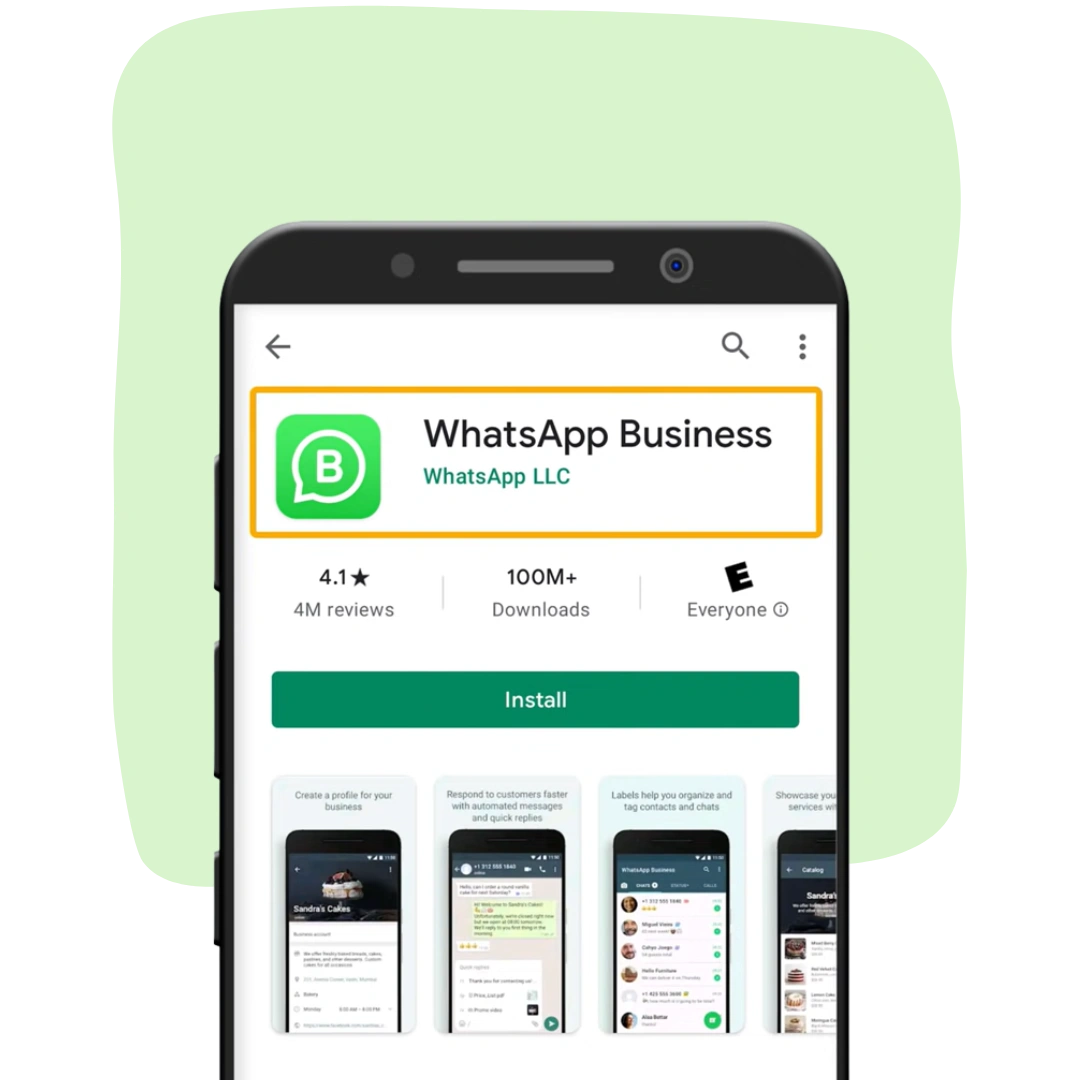
Ready to chat with your customers and clients on WhatsApp Business? Here's how to get started: Go to the App Store or Google Play Store, search for "WhatsApp Business", tap "Install" or "Get" to install the app. Make sure you have an Android or iOS device to get the party started!
Register your business number
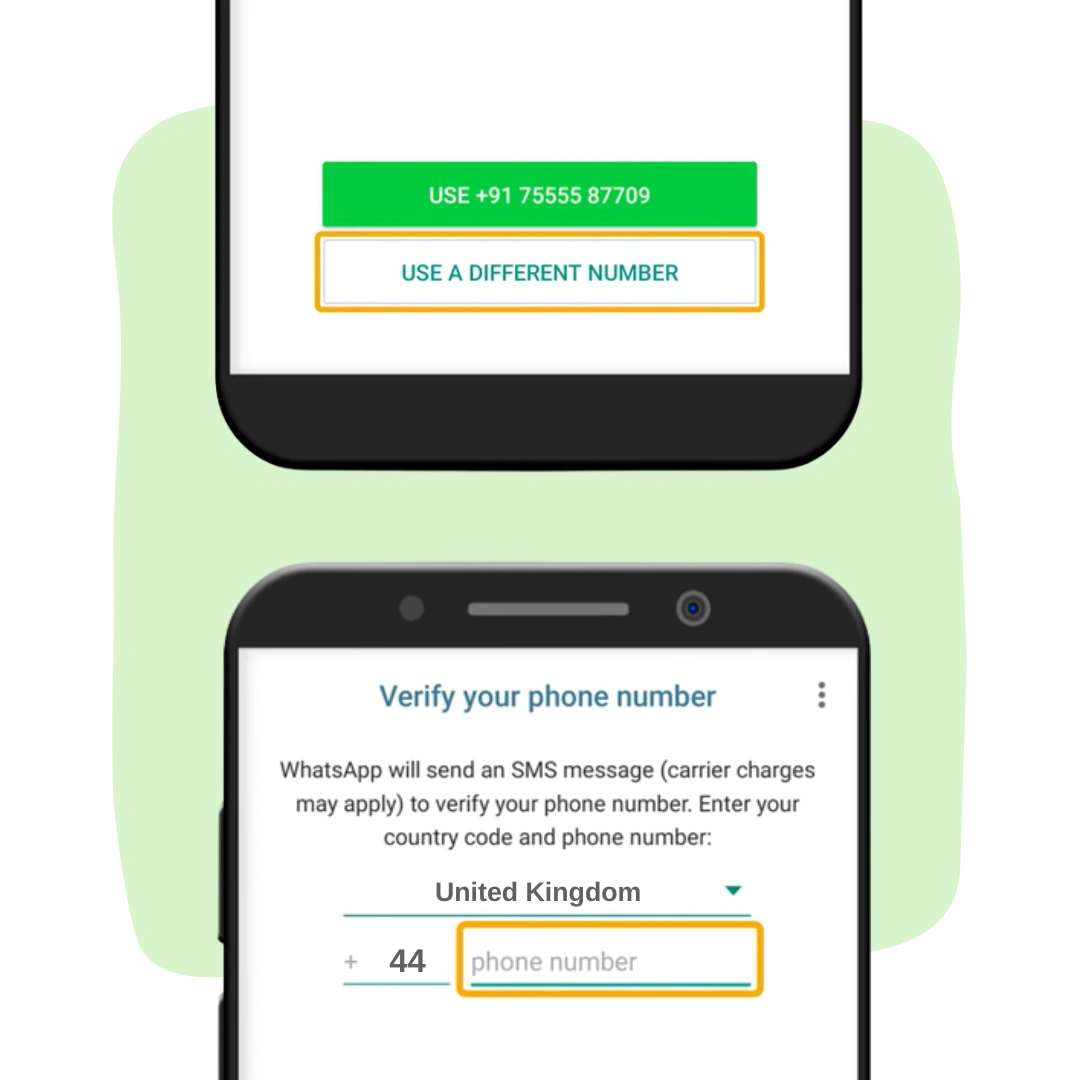
Follow the on-screen instructions to set up your account. When prompted, select "Use a different number" and enter the simless mobile number you subscribed for - login to your account to view all active gosimless numbers at any time.
Complete verification
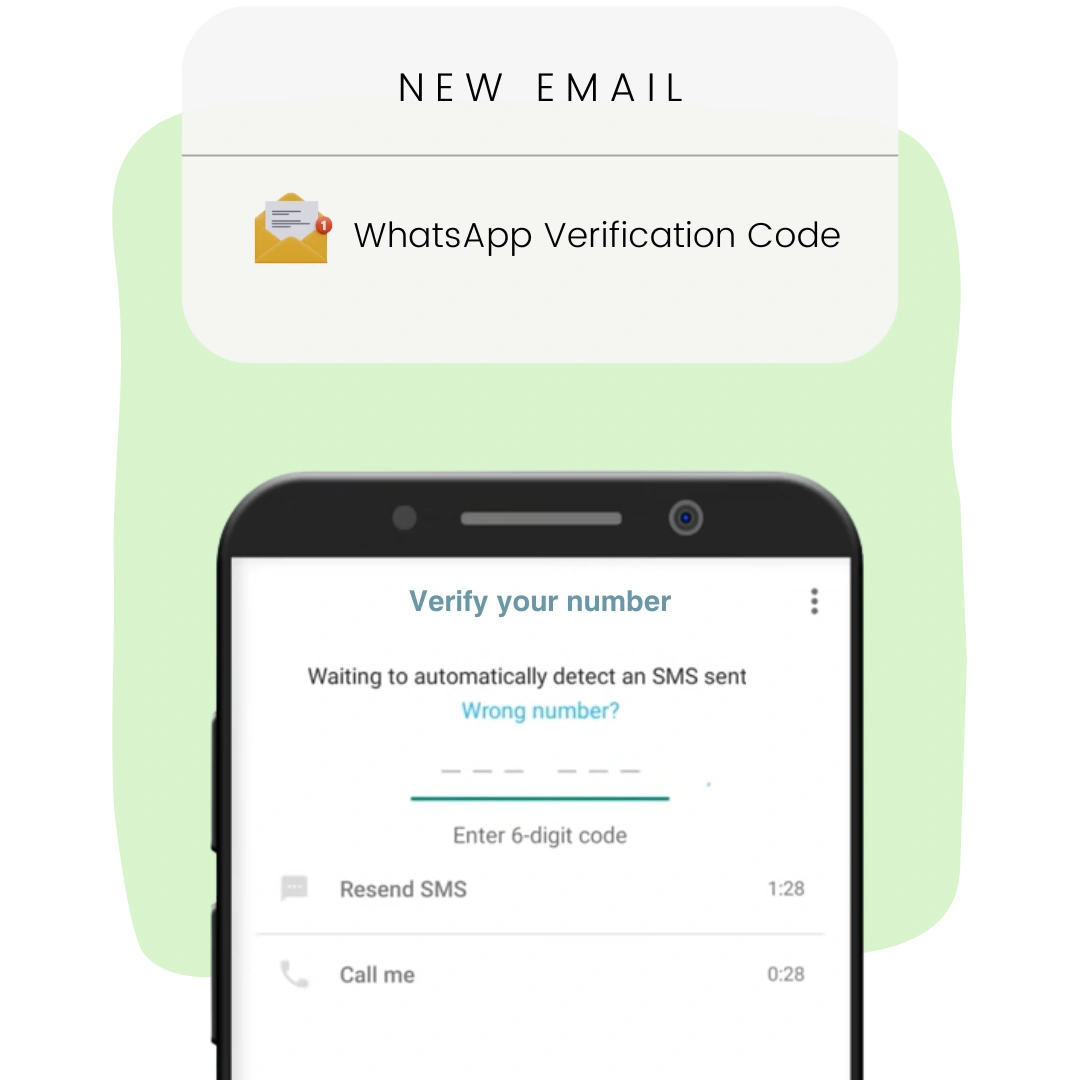
WhatsApp will send your simless number a verification code by SMS - we will forward the code to your email within a minute. If you do not receive an email within 5 minutes, please request the "Call me" verification option. We will transcribe the call and email you the verification code. Our support team is always ready to help if you experience persistent issues.
Create your business profile
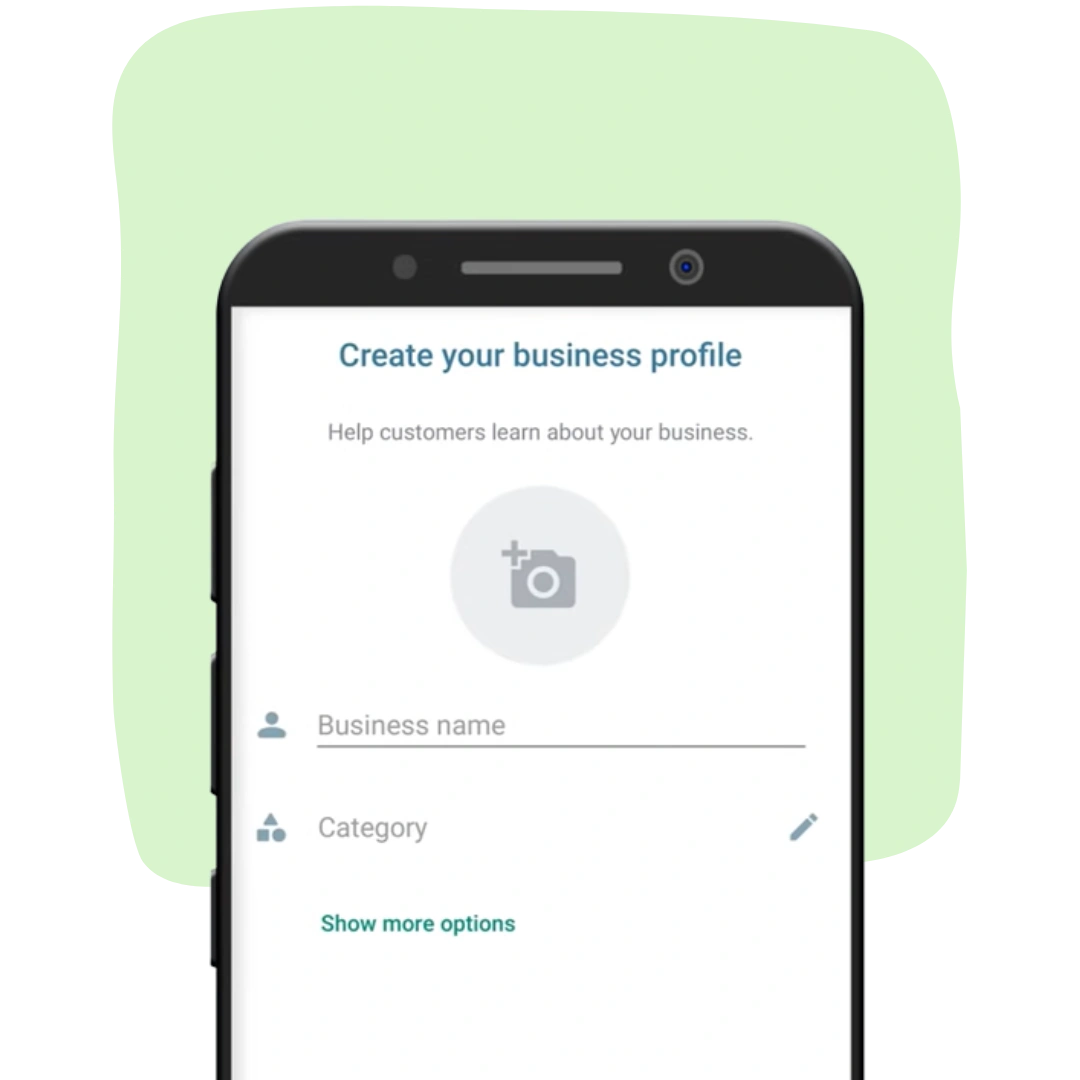
Ready to spruce up your business profile on WhatsApp Business? Time to get creative! Update your business name, add your address and website, and even upload a profile picture to represent your brand. Don't forget to tap "Save" when you're finished to lock in those awesome updates. Your business profile is the first thing your customers and clients will see when they message you, so make it shine!
Why choose WhatsApp?
Showcase your business and greet customers automatically with a custom welcome message.
Meet customers where they are
WhatsApp's business solutions give you the power to connect with customers through messaging.
Drive business outcomes
Use conversations to deliver personal experiences that accelerate the buyer journey.
Build meaningful customer relationships
Keep prospects and customers on the path to purchase and satisfied with your services with rich messaging experiences. Engage and retain your customers.

Grow your business
WhatsApp Business provides tools to promote your business and close sales with ease.
WhatsApp Business Profile
Create a virtual storefront with helpful information for your customers like your logo, business description, hours of operation and website.
Labels
Organise and filter important customer conversations so you can quickly find and respond to messages that need your attention.

Manage customer relationships
Easily interact with customers while saving time and energy, using tools to automate, sort and quickly respond to messages.
Greeting
Automatically send a custom welcome message to new customers when they start a conversation with your business.
Away Messages
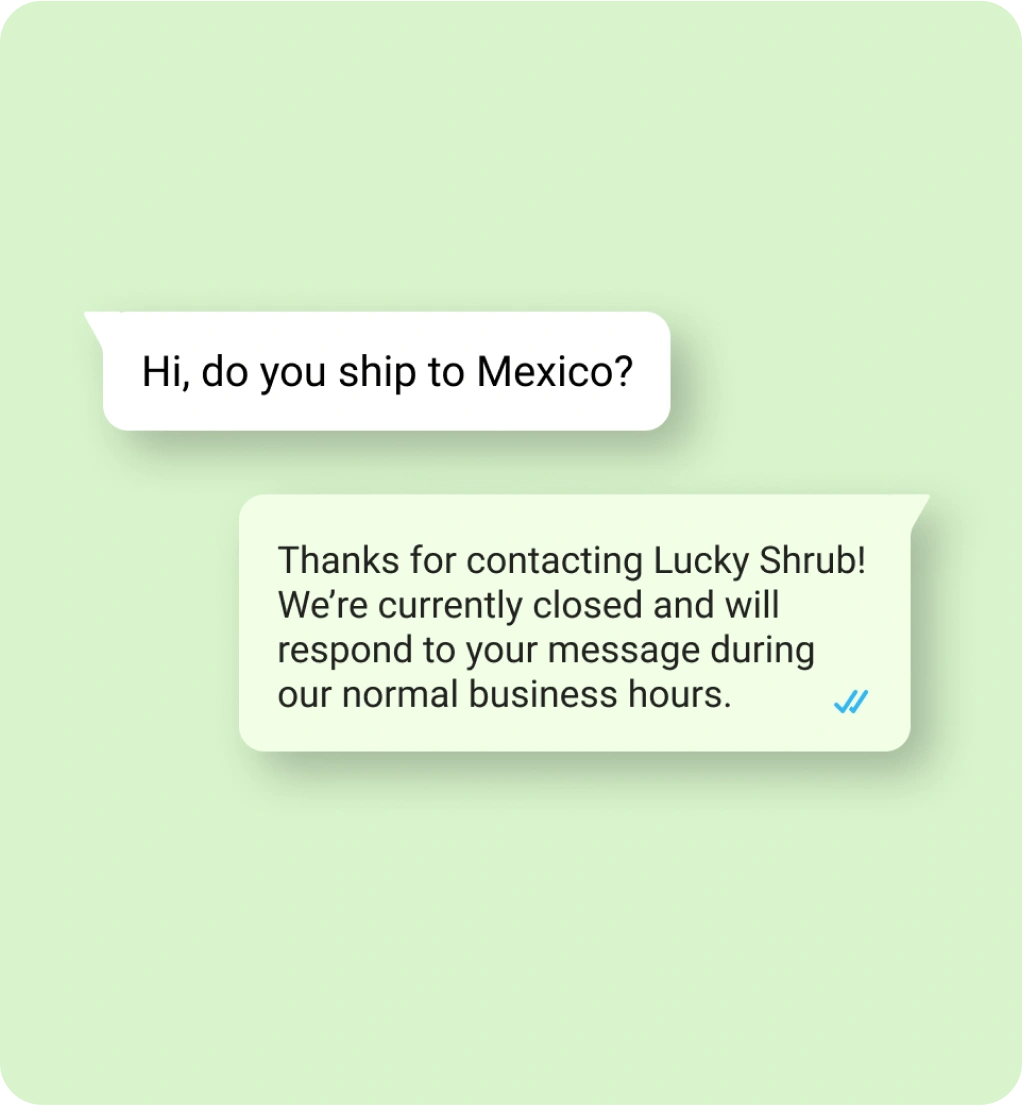
Respond automatically to messages received outside your business hours to set expectations and let customers know when you'll be back.
Quick Replies
Create shortcuts for messages you frequently send to respond to common questions in just a few taps.

Potential for increased sales
Make it easy for customers to browse your products and services, and submit orders in WhatsApp
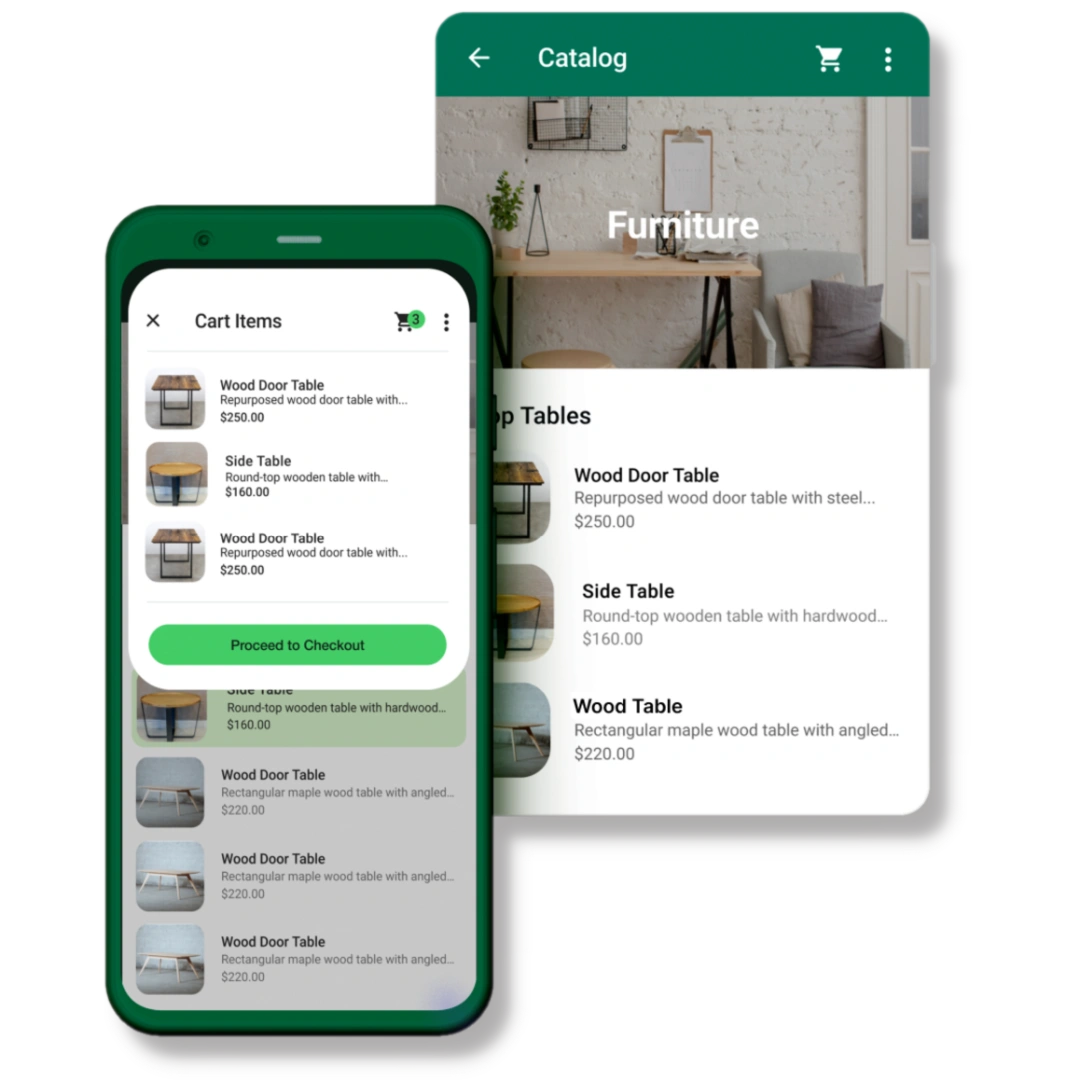
Catalog
Showcase your products and services in a mobile storefront and group similar items into collections to simplify the shopping experience for your customers.
Links
Share your catalogue or links to specific items with new and existing customers on WhatsApp, Facebook, and Instagram - all from within the app.
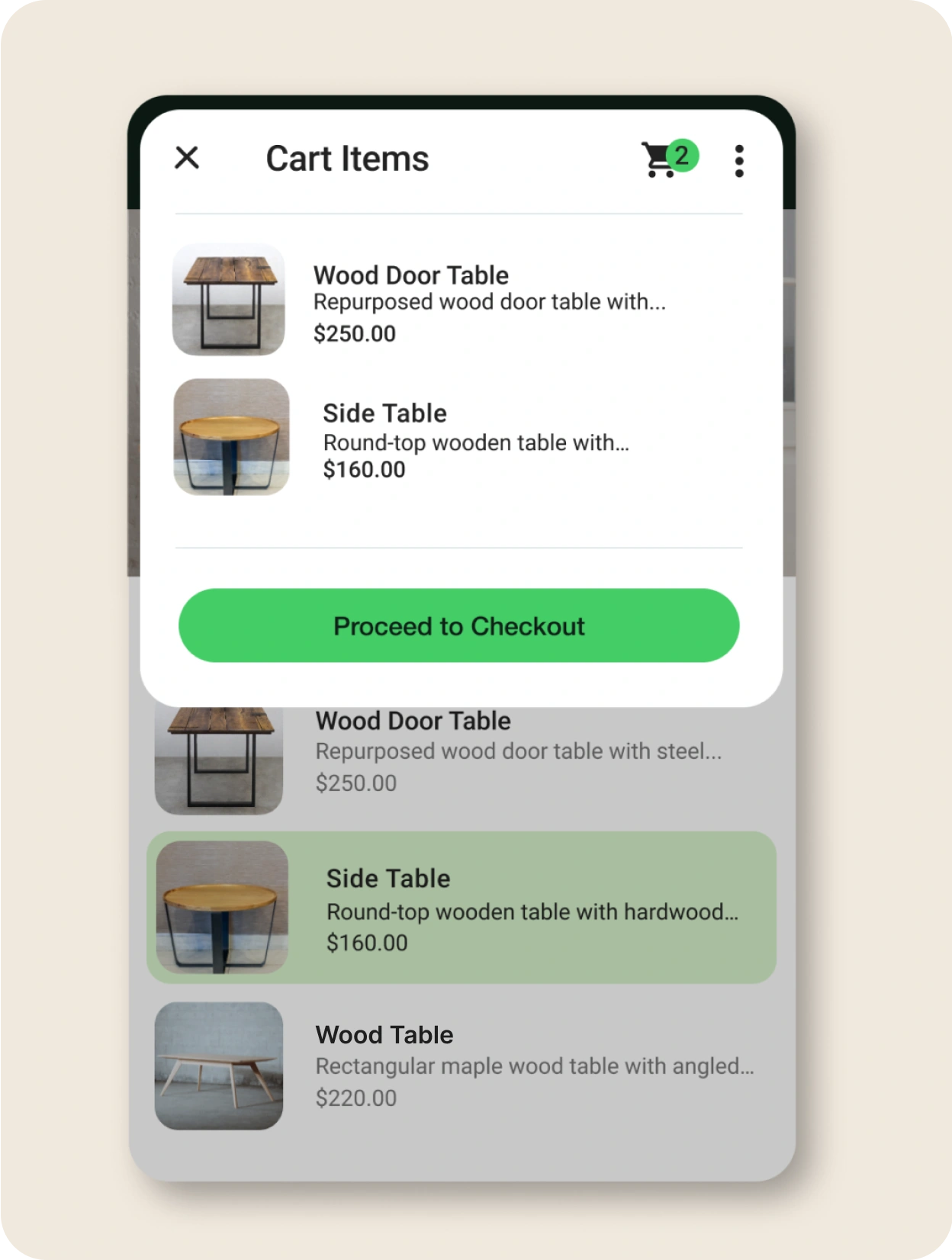
Cart
Simplify your order management and streamline the shopping experience for your customers, so they can easily choose items from your catalog to send as a single message.
Broadcast
Announce promotions, special offers and new inventory to multiple customers at the same time.

Attract new customers
Promote your WhatsApp channel using entry points and ads to let people know you're available to chat.
Free WhatsApp entry points
Free entry points include QR Codes, short links, action buttons on your Facebook Page, Instagram profile and Shops.
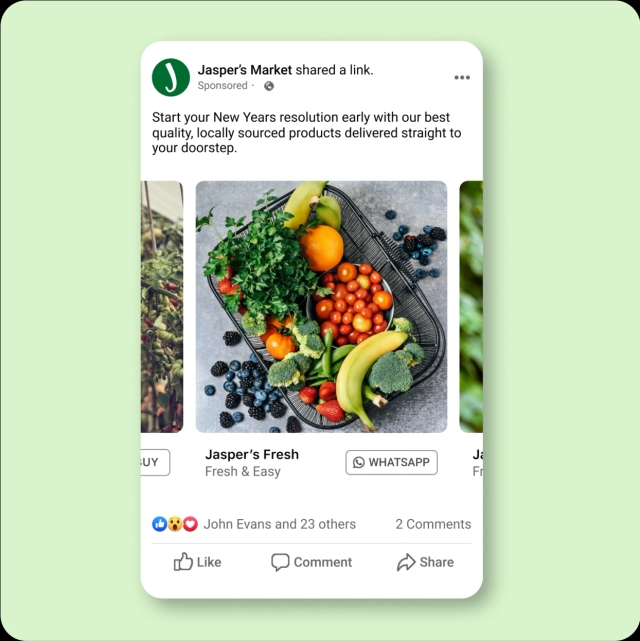
Meta ads - Boost a Post
Turn a Facebook post into an ad that sends new customers into a conversation with your business.
Call to Action ads
Promote the 'Send Message' button on your Facebook Page to attract people who may be interested in your business but don't follow you.
Ads that Click to WhatsApp
Expand your reach by sending potential customers on Facebook and Instagram straight into a WhatsApp chat with your business.
Frequently asked questions
We understand your time is valuable. That's why we've compiled a list of the questions we get most often for you to browse now or come back to later.

Recent blog posts


How to Share My Location on WhatsApp