What Is WhatsApp Business Premium & How It Works
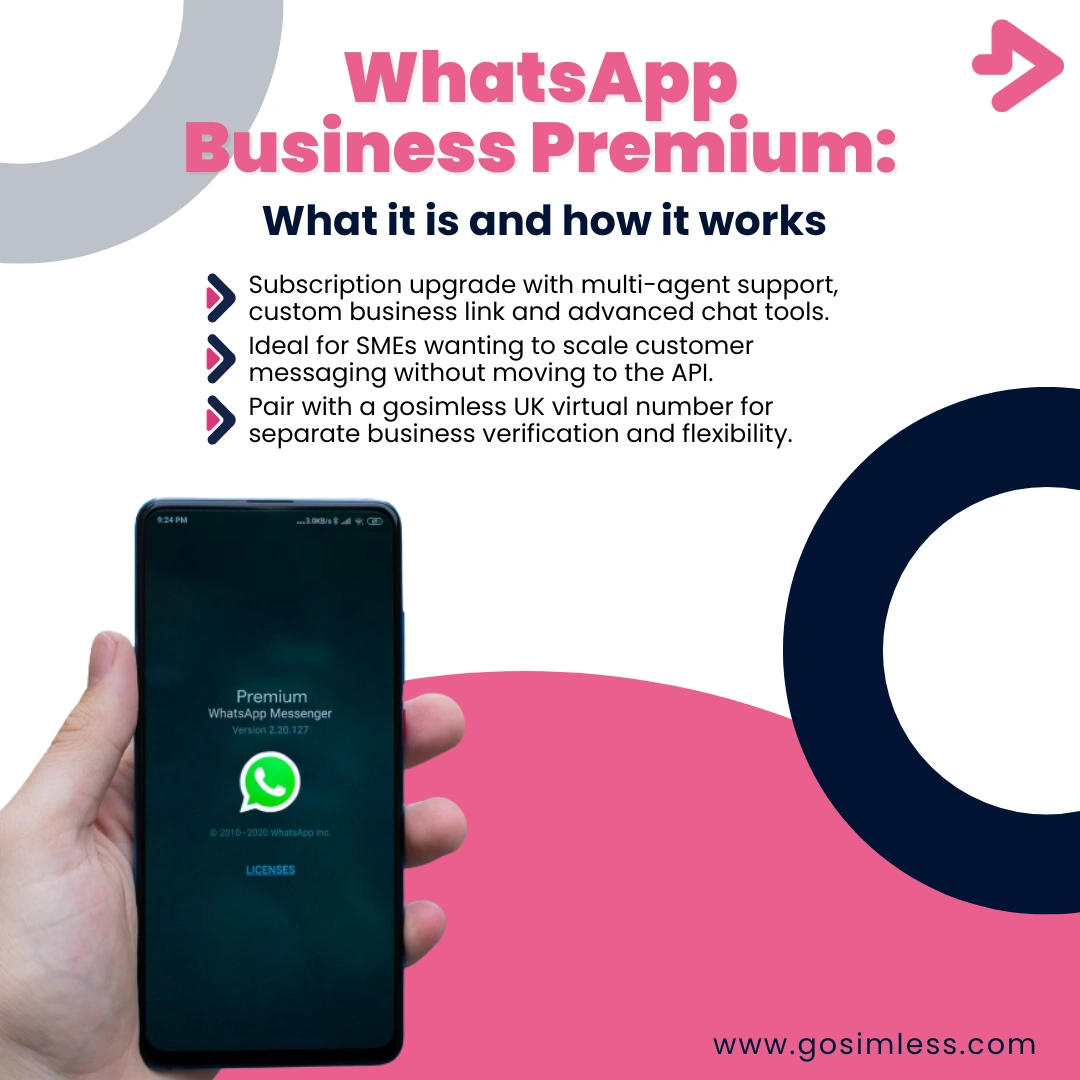
WhatsApp Business Premium helps businesses with multi-agent support, custom links, and better chat management. See how to set it up with a gosimless virtual phone number.
WhatsApp Business Premium is a subscription-based upgrade to the free WhatsApp Business app. It was introduced to give small and medium-sized businesses more advanced tools to manage conversations, improve branding, and support multiple staff members handling customer queries at once.
The standard WhatsApp Business app is free and already includes features like a business profile, quick replies, product catalogue, and automated greetings. WhatsApp Business Premium, however, takes things further with additional professional tools that are particularly valuable if you are running customer-facing operations at scale.
How does WhatsApp Business Premium differ from the free version?
The main difference lies in scalability and professionalism. While the free app works well for freelancers or very small teams, Premium is designed to handle larger communication needs. Key distinctions include:
- A custom business web link (a unique URL for your business profile).
- Multi-agent support where multiple devices and users can log in to manage the same account.
- Enhanced chat management tools, such as labels and better conversation assignment.
- Improved customer reach, thanks to verified branding elements.
This upgrade helps businesses present themselves as trustworthy and reliable, while also managing higher volumes of chats.
Who is WhatsApp Business Premium designed for?
Premium is primarily aimed at small and medium-sized businesses (SMEs) that want to scale their customer support without investing in large call centres or third-party CRMs right away. Examples include:
- E-commerce sellers needing multiple agents to handle order questions.
- Local service providers such as cleaning companies, tradespeople, or photographers.
- Retail shops and restaurants that use WhatsApp for orders, bookings, and promotions.
- Agencies and consultants that handle high daily enquiry volumes.
If your business is growing beyond one person managing all chats on a single phone, Premium provides the structure to expand smoothly.
What are the main features of WhatsApp Business Premium?
1. Custom business web link
With Premium, you can create a personalised link like wa.me/yourbusinessname. Instead of relying on generic numbers, customers can simply click your link to start a conversation, making your brand easier to remember and share.
2. Multi-user and multi-device support
Premium allows several staff members to use the same account simultaneously. Whether they log in via Android, iOS, or WhatsApp Web, each agent can see and reply to conversations, making collaboration seamless.
3. Advanced chat organisation
Chats can be labelled, filtered, and assigned, so no customer enquiry is lost. This is especially useful when different team members are responsible for different departments such as sales, support, or bookings.
4. Verified branding and trust signals
Premium makes your business look more professional with verified details and branding, helping customers feel confident that they are messaging a legitimate business.
5. Integration potential
Although limited compared to the WhatsApp Business API, Premium provides more opportunities to connect with third-party tools for reporting and analysis.
How much does WhatsApp Business Premium cost?
Pricing can vary depending on your region, and WhatsApp has been testing different subscription models. Generally, Premium is expected to be an affordable monthly fee, making it accessible for SMEs. Businesses should expect pricing to be lower than enterprise-level tools but higher than the free version.
How do you subscribe to WhatsApp Business Premium?
On Android
- Open the WhatsApp Business app.
- Tap the three-dot menu in the top right.
- Go to Settings → Premium.
- Select the subscription plan and follow the on-screen steps to confirm payment.
On iOS
- Open the WhatsApp Business app.
- Tap Settings at the bottom right.
- Select Premium.
- Choose the plan and confirm via your Apple ID payment method.
On WhatsApp Web or Desktop
At present, subscription setup is primarily done via mobile apps (Android or iOS). Once subscribed, however, you can access Premium features across devices, including the desktop and web versions.
How does WhatsApp Business Premium work day-to-day?
Once subscribed, your account unlocks Premium tools immediately. Here's how it typically functions:
- Multi-agent chat handling: Staff members can log in across devices, ensuring that one person isn't overwhelmed by enquiries.
- Faster customer onboarding: With a unique link, customers can easily connect without needing to manually save your number.
- Better chat flow management: Messages can be tagged (e.g. "pending payment", "VIP customer", "follow-up"), allowing smoother workflow and accountability.
- Professional presentation: Your verified and branded profile sets customer expectations of reliability.
Can WhatsApp Business Premium replace the WhatsApp Business API?
Not exactly. Premium is more powerful than the free app but still limited compared to the WhatsApp Business API, which is built for large enterprises requiring full automation, CRM integration, and mass messaging.
Premium is best thought of as a bridge solution: powerful enough for SMEs who have outgrown the free app, but not as complex (or expensive) as the API.
Is WhatsApp Business Premium worth it for businesses?
For many businesses, Premium will be highly worthwhile if:
- You need multiple staff managing chats at once.
- You want to appear more professional with a custom business link.
- You regularly receive high message volumes and need stronger organisation.
However, if you are a sole trader or freelancer with only a handful of chats per week, the free app may still be enough.
How does Premium compare with gosimless virtual numbers?
WhatsApp Business Premium works best when paired with a reliable business number. That's where gosimless WhatsApp numbers come in. Instead of relying on your personal SIM card, you can use a dedicated number for WhatsApp Business.
Benefits of pairing Premium with a gosimless number:
- Separation of personal and business life.
- Professional image with a dedicated number.
- Scalability as your team grows, your business number remains consistent.
- Flexibility with virtual numbers that work wherever you are, with no physical SIM card required.
How to verify WhatsApp Business Premium with a virtual number
- Sign up with gosimless and get your virtual phone number.
- Open WhatsApp Business app (Android or iOS).
- Select Verify via SMS or call using your new virtual number.
- Enter the code you receive in the app.
- Once verified, you can activate Premium features on top of your gosimless-verified account.
What devices support WhatsApp Business Premium?
Android
All modern Android devices support Premium features once subscribed. You can manage chats on your phone and link additional devices.
iOS
iPhones running recent versions of iOS fully support Premium. Apple's in-app payment system is used for subscription confirmation.
WhatsApp Web and Desktop
Premium features such as multi-agent access and custom links extend to the web and desktop versions once activated through mobile.
Can you cancel WhatsApp Business Premium?
Yes. Subscriptions can be cancelled at any time via the Google Play Store (Android) or Apple App Store (iOS). Once cancelled, your account will revert to the free WhatsApp Business plan, but you may lose features like your custom link.
Is Premium right for your business?
WhatsApp Business Premium is an excellent step up for businesses that want to appear more professional and manage higher volumes of customer messages without the complexity of enterprise-level solutions. When combined with a gosimless virtual mobile number, it becomes an even stronger solution by separating personal and business communication, enhancing trust, and providing the flexibility needed for modern customer engagement.