WhatsApp vs WhatsApp Business: Key Differences Explained
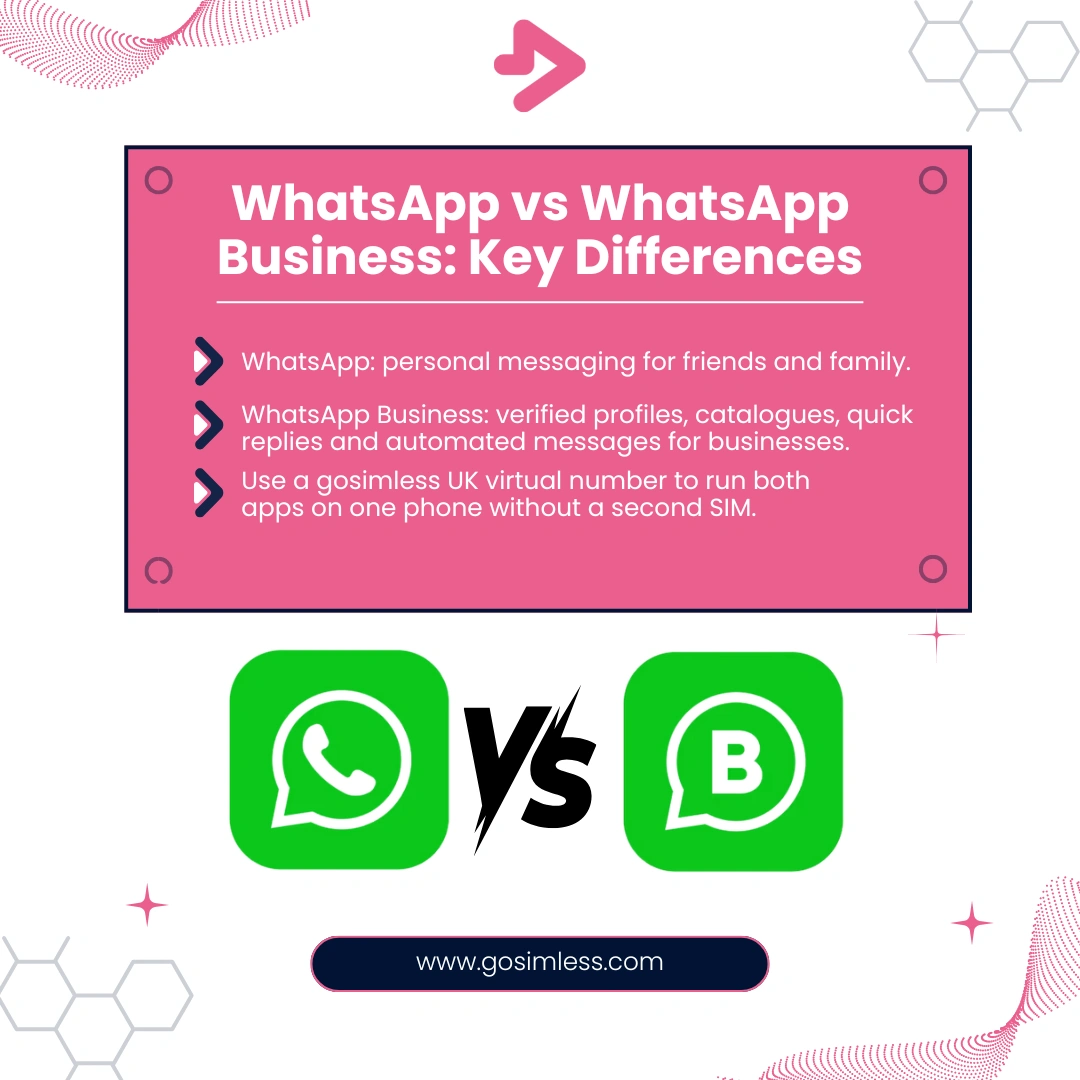
Learn the difference between WhatsApp and WhatsApp Business. Discover features, benefits, and how to use both on Android, iOS, and web with a UK virtual number from gosimless.
WhatsApp is one of the most widely used messaging platforms in the world, with millions of daily active users across Android, iOS, and web. However, many businesses are often unsure whether to stick with the regular WhatsApp Messenger app or migrate to WhatsApp Business. Both apps look similar at first glance, but the way they function, the features they provide, and the benefits they deliver are quite different.
In this guide, we'll walk through the key differences between WhatsApp and WhatsApp Business, explain how each works on Android, iPhone, and desktop, and help you decide which is right for your situation.
What Is the Regular WhatsApp App?
The standard version of WhatsApp, often referred to simply as "WhatsApp Messenger", is designed primarily for personal use. People use it to stay in touch with family, friends, and colleagues through text messages, voice notes, video calls, and media sharing.
Core Features of WhatsApp Messenger
- One-to-one and group messaging: Chat privately or in groups of up to 1,024 people.
- Voice and video calling: Free calls over Wi-Fi or mobile data.
- File and photo sharing: Send documents, images, and videos with ease.
- WhatsApp Web/Desktop: Sync messages across devices for convenience.
For everyday communication, WhatsApp Messenger is fast, simple, and free to use. But it lacks the tools a business might need to engage with customers at scale.
What Is WhatsApp Business?
WhatsApp Business is a separate, free app created specifically for small and medium-sized businesses. It builds on the same infrastructure as WhatsApp Messenger but adds business-focused features such as verified business profiles, automated messaging, and product catalogues.
Key Features of WhatsApp Business
- Business profile: Showcase your company name, logo in profile photo or banner, description, opening hours, and location.
- Product catalogue: Display products and services directly inside the app.
- Quick replies: Save time by reusing answers to frequently asked questions.
- Automated messages: Set up greetings and away messages.
- Labelling chats: Organise customer conversations by categories like "new lead" or "paid".
- API access (for larger companies): Integrate WhatsApp with customer support systems and CRMs.
For businesses looking to build trust and streamline customer communication, WhatsApp Business provides far more functionality.
Can You Use Both WhatsApp and WhatsApp Business on the Same Device?
Yes, you can run both apps on the same phone, but only if you register them with different numbers. This is where a WhatsApp number from gosimless becomes incredibly useful. Instead of buying a second SIM card, you can register WhatsApp Business with a virtual mobile number, keeping your personal WhatsApp Messenger account separate.
Android
Most Android phones allow dual apps or dual-SIM functionality, making it easier to keep both versions active.
iOS (iPhone)
iPhones don't allow two versions of WhatsApp Messenger on the same device, but you can install WhatsApp Messenger and WhatsApp Business together as long as each uses a unique number.
WhatsApp Web/Desktop
Both apps can be linked to WhatsApp Web or Desktop, so you can handle personal and business chats separately on your computer.
How Do Contacts See the Difference?
From the customer's perspective, there's a subtle but important difference. When they interact with a WhatsApp Business account, they can see the verified business profile and catalogue, which signals professionalism and trustworthiness.
With the standard WhatsApp app, your contacts only see your name, profile picture, and status but nothing that directly represents your business.
Messaging Tools: Personal Chatting vs Professional Engagement
The way you send and receive messages is where the apps diverge.
WhatsApp Messenger
- Casual, conversational, and private.
- No business labelling or automation.
- Suited for family, friends, and informal groups.
WhatsApp Business
- Tailored for customer support and sales.
- Automated greetings and away messages reduce response time.
- Quick replies save effort when answering common questions.
- Labels help track leads, orders, or complaints.
On Android and iOS, these features are easy to configure, and they're equally accessible via WhatsApp Web.
Catalogue and Showcasing Products
One of the standout differences is the catalogue feature.
- WhatsApp Messenger: No catalogue functionality.
- WhatsApp Business: Lets you upload photos, descriptions, and prices of products or services. Customers can browse these without leaving the chat.
For businesses - whether you're selling property, cars, or event services - the catalogue is a lightweight e-commerce tool that integrates naturally into customer conversations.
Verification and Trust Signals
WhatsApp Business allows you to create an official business profile with verified details, whereas WhatsApp Messenger does not. This verification provides:
- A more professional image.
- Greater credibility when customers receive your messages.
- Less chance of being mistaken for spam.
Many UK businesses use gosimless UK virtual numbers to complete this verification step, ensuring their WhatsApp Business profile is reliable and legitimate.
Costs and Monetisation
Both WhatsApp Messenger and WhatsApp Business are free to download and use. However, there's a difference when you move to WhatsApp Business API, which is aimed at medium to large businesses.
- WhatsApp Messenger: Always free for personal use.
- WhatsApp Business App: Free, suitable for small businesses.
- WhatsApp Business API: Paid, with costs based on message volume and templates.
This tiered approach makes WhatsApp Business flexible, from sole traders to enterprises.
Platform Availability: Android, iOS, and Web
On Android
Both WhatsApp Messenger and WhatsApp Business work seamlessly on Android devices. You can run both apps side by side if you use different numbers.
On iOS
WhatsApp Business is fully supported on iPhones. While you can't clone the standard WhatsApp app, you can use WhatsApp Messenger for personal use and WhatsApp Business for work.
On Web/Desktop
Both apps support WhatsApp Web and Desktop clients. This means you can reply to messages directly from your PC or Mac, an advantage if you're managing large volumes of customer interactions.
Security and Privacy
Both versions of WhatsApp share the same end-to-end encryption, meaning your messages remain private. However, businesses must also consider data protection laws, especially in the UK. If you're storing customer data, you should comply with GDPR and make sure you're transparent about how you use WhatsApp for communication.
Which One Should You Use?
The decision depends on your needs:
- Choose WhatsApp Messenger if you only want to stay connected with family and friends.
- Choose WhatsApp Business if you run a business and need professional features such as catalogues, quick replies, and automated messages.
- Use both with a UK virtual number if you want to keep personal and business communication separate on the same phone.
Troubleshooting Common Questions
Can I switch from WhatsApp Messenger to WhatsApp Business without losing chats?
Yes. Both Android and iOS allow you to transfer chat history to WhatsApp Business when you first install it.
Can I run two WhatsApp Business accounts on one device?
Not directly. You would need a dual-SIM phone or a virtual number from gosimless to manage more than one business account.
Do customers need to download WhatsApp Business to chat with me?
No. Customers use their regular WhatsApp Messenger app. The business features only apply on your side.
How gosimless Helps with WhatsApp Business Setup
At gosimless, we provide UK virtual mobile numbers that are perfect for verifying WhatsApp Business. This means you don't have to buy another SIM card or juggle two physical phones. You can:
- Register WhatsApp Business with a gosimless number.
- Keep your personal WhatsApp Messenger separate.
- Run both apps seamlessly on Android, iOS, and desktop.
- Build trust with a UK-verified business profile.
The Clear Divide Between WhatsApp and WhatsApp Business
WhatsApp Messenger is ideal for personal conversations, while WhatsApp Business is designed for companies that want to connect with customers more effectively. The distinction becomes even clearer when you look at automation, catalogues, and verification which are all missing from the standard app.
If you want to keep your work and personal life separate without extra SIM cards or devices, a gosimless UK virtual number is the simplest solution. It makes WhatsApp Business easy to set up, professional to use, and secure to maintain.