
How do I convert a physical SIM to an eSIM?
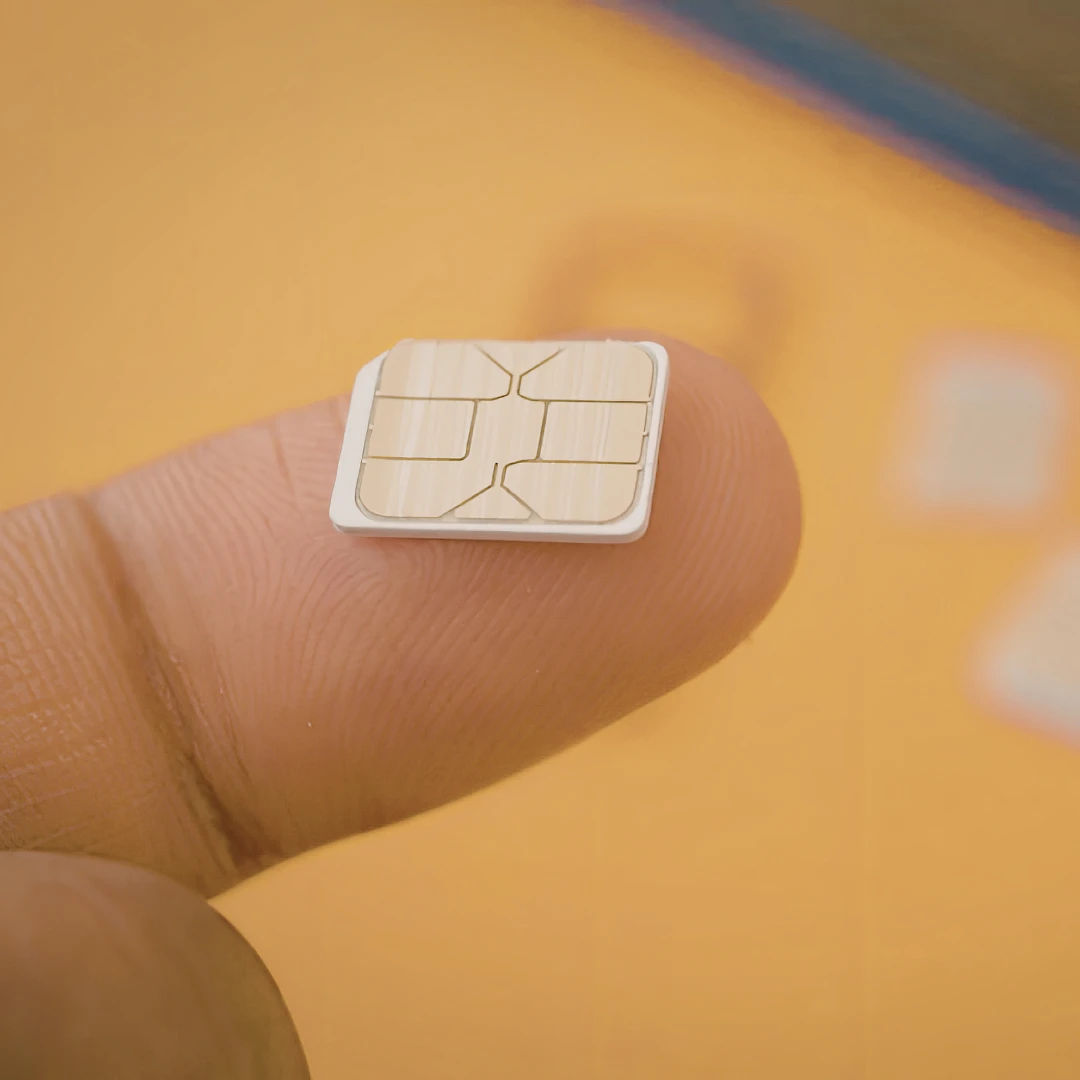
Can you convert a SIM to an eSIM? Learn how it works, step-by-step instructions, supported devices, and how to switch easily in minutes.
Yes, it is possible to convert a SIM to an eSIM, but the process isn't a direct "conversion" of the physical card itself. Instead, your mobile number and plan are transferred from your physical SIM to a digital eSIM profile, provided your device and network support it.
In most cases, switching from SIM to eSIM is quick and straightforward. You'll typically need an eSIM-compatible phone, support from your mobile carrier, and a QR code or activation details to complete the setup. Once activated, your eSIM works just like a regular SIM card, without the need for a physical chip.
In this guide, we'll walk you through exactly how SIM to eSIM conversion works, which devices and networks support it, and how to make the switch step by step.
Can You Convert a SIM to an eSIM?
Yes, in most cases, you can convert a physical SIM to an eSIM - but it's important to understand that this isn't a literal conversion of the card itself.
Instead, your mobile network transfers your phone number and plan from your physical SIM to a digital eSIM profile on your device. This process is often referred to as a SIM swap or eSIM activation.
Whether you can do this depends on a few key factors:
- Your device must support eSIM functionality
- Your network provider must offer eSIM services
- Your region may affect availability (most UK major carriers support it)
If all three are supported, the process is usually quick and can often be completed in just a few minutes.
How to Convert a SIM to an eSIM (Step-by-Step)
Switching from a SIM to an eSIM is easier than many people expect. Here's a simple step-by-step guide:
1. Check if Your Phone Supports eSIM
Make sure your device is eSIM-compatible. Most newer smartphones support it, but older models may not.
2. Contact Your Carrier or Log Into Your Account
Contact your provider and request to switch your SIM to eSIM through customer support.
3. Request an eSIM Activation
Ask your provider to move your number from your physical SIM to an eSIM. This is sometimes called a SIM swap.
4. Receive Your QR Code or Activation Details
Your carrier will usually send you a QR code or activation link via email or within their app.
5. Scan the QR Code
Go to your phone's mobile network settings and select Add eSIM, then scan the QR code provided.
6. Complete Setup and Test
Once installed, your eSIM should activate within minutes. Test calls, texts, and data to make sure everything is working correctly.
Which Devices Support eSIM?
eSIM technology is now widely supported across modern smartphones, but not all devices are compatible.
Popular eSIM-Compatible Devices Include:
- iPhone models (iPhone XS and newer)
- Samsung Galaxy devices (S20 series and newer, select models)
- Google Pixel phones (Pixel 3 and newer)
Many newer tablets and smartwatches also support eSIM.
If you're unsure, you can:
- Check your phone settings for an “Add eSIM” option
- Visit the manufacturer's website
- Search your device model followed by “eSIM support”
Benefits of Switching from SIM to eSIM
Switching to an eSIM comes with several advantages, especially as more devices and networks adopt the technology.
1. No Physical SIM Required
You don't need to insert or swap a SIM card. Everything is handled digitally, reducing the risk of losing or damaging a SIM.
2. Easier Network Switching
Changing providers or plans becomes much simpler. You can activate a new plan without waiting for a physical SIM to arrive.
3. Ideal for Travel
eSIM allows you to store multiple profiles on one device, making it easy to switch to a local plan when travelling without removing your primary number.
4. Faster Setup
Activation is almost instant. In many cases, you can get connected within minutes by scanning a QR code.
5. Dual SIM Functionality
Many phones allow you to use both a physical SIM and an eSIM at the same time, perfect for separating work and personal numbers.
Common Issues When Converting to eSIM
Although the process is generally smooth, you might run into a few issues:
- QR code not scanning
Make sure your camera is working properly and the code hasn't expired.
- Device not compatible
Double-check that your phone supports eSIM.
- Activation delays
Sometimes it can take a few minutes (or longer) for the eSIM to fully activate.
- Carrier restrictions
Some plans or accounts may not be eligible for eSIM conversion.
Quick Tip
If something isn't working, restarting your phone after installing the eSIM often resolves minor issues.
Can You Switch Back from eSIM to SIM?
Yes, in most cases, you can switch back from an eSIM to a physical SIM if needed.
However, this isn't automatic. You'll usually need to:
- Request a new physical SIM from your carrier
- Transfer your number back to the SIM
- Insert the new SIM into your device
The process is similar to switching to eSIM, just in reverse.
Get Started with eSIM the Easy Way
If you're looking for a simple way to get started with eSIM, using a provider like gosimless makes the process even easier.
With gosimless, you can:
- Get an eSIM in minutes
- Activate your eSIM instantly via QR code
- Keep your existing number or add a second line
- Enjoy flexible plans with no long-term contracts
Whether you're setting up WhatsApp Business, travelling, or just want a more convenient mobile setup, gosimless gives you a fast and hassle-free way to switch to eSIM.
Frequently asked questions
Why Did My WhatsApp Business Number Get Banned?
Why WhatsApp Business numbers get banned, how to recover your account, and tips to avoid bans. A complete guide for businesses.
Why Do Businesses Still Use Landline Numbers in 2026?
Discover why businesses still use landline numbers in 2026. Learn the benefits, use cases, and how landlines continue to support credibility, customer trust, and professional communication.